Exercise 9. Cantilever analysis and reinforcement
| Item | Detail |
|---|---|
| Input files | none (you build a 100×10×5 cantilever by talking) |
| Time | 5 min (about a second per solve at around 2,000 nodes) |
| What you end up with | A stress colour map, a report of maximum von Mises, displacement and safety factor, a re-analysis after reinforcement, and natural frequencies |
| What you learn | The three things to settle before analysing (material, what is held, where and how much), how to check results against theory, the conversation of picking reinforcements, and the limits of linear static analysis |
FreeCAD 1.1 ships with the mesh generator Gmsh and the solver CalculiX. But using the FEM workbench by hand means building the analysis container, material, constraints, load, mesh and solver separately. In this exercise you state only three things: what the material is, what is held, and where and how much. You start with a cantilever, which has a theoretical answer and is therefore easy to verify.
Original and finished
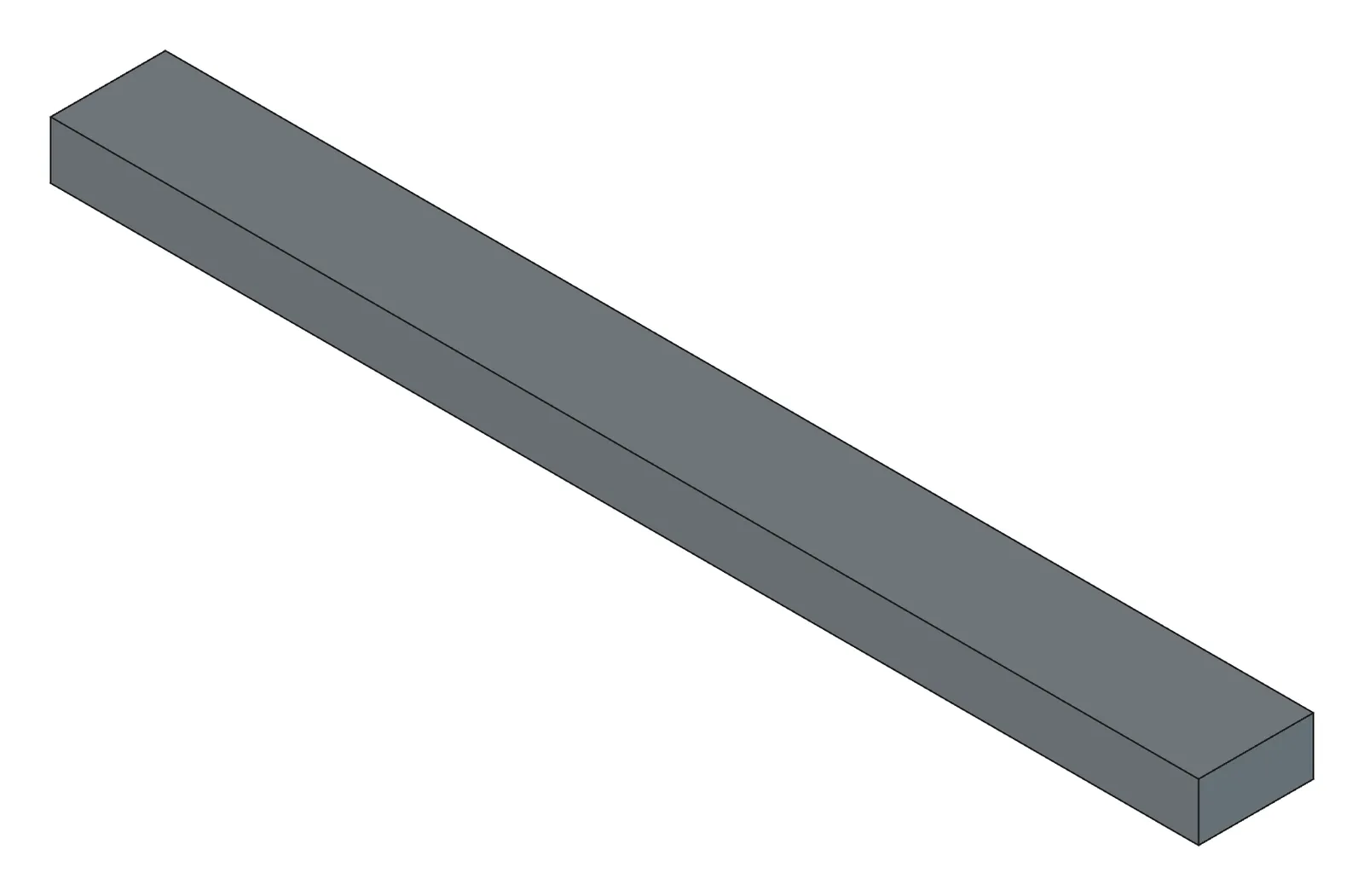
Section titled “Original and finished”You can have the AI build it, or start from the practice file below (which includes the analysis results).
| File | Description | Size | |
|---|---|---|---|
| Practice | 09-beam-practice.FCStd | The cantilever + analysis result objects | 763 KB |
| Practice | 09-beam-practice.step | STEP | 7 KB |
- Launch FreeCAD 1.1.3 and confirm
[CAD X-ray] 서버 시작in the Report view. - Open your AI tool.
- Open a new document.
1. Build the cantilever
Section titled “1. Build the cantilever”New document, Body Beam as a cantilever: x 100, y 10, z 5. From x=0, floor at z=0.How to check — Beam appears in the tree with a bbox of 100×10×5.
2. Settle the three things and set up the analysis
Section titled “2. Settle the three things and set up the analysis”Structural analysis of Beam. PETG, fix the x=0 face, 20 N downward (−Z) on the x=100 face.What the AI does — looks the material up in the table (PLA, PETG, ABS, ASA, TPU, NYLON, PMMA, POM, ALUMINUM, STEEL, STAINLESS, BRASS), fixes the «xmin» face, applies the force to the «xmax» face, builds a second-order mesh with Gmsh, and reports the node and element counts. It gives you the areas of the fixed and load faces so you can confirm they are the ones you meant (an end face is 10×5 = 50 mm²).
3. Run it and read the result
Section titled “3. Run it and read the result”Run it. Safety factor and max-stress location in one sentence, plus an iso colour map.What the AI does — runs CalculiX, reads the results, and summarises maximum von Mises stress and its location, maximum displacement, the safety factor (yield strength ÷ maximum stress) and a verdict (ok ≥ 2 / marginal ≥ 1 / fail). It switches the 3D view to the stress colour map and shows a screenshot.
How to check — the theoretical values for this cantilever are 48 MPa maximum stress and 32 mm free-end displacement. Within ±10 % and ±5 % respectively is normal. The hotspot should be near the fixed end (x=0) and the maximum displacement at the free end (x=100). Against PETG’s 45 MPa yield the safety factor lands around 1, so you get «fail» or «marginal».
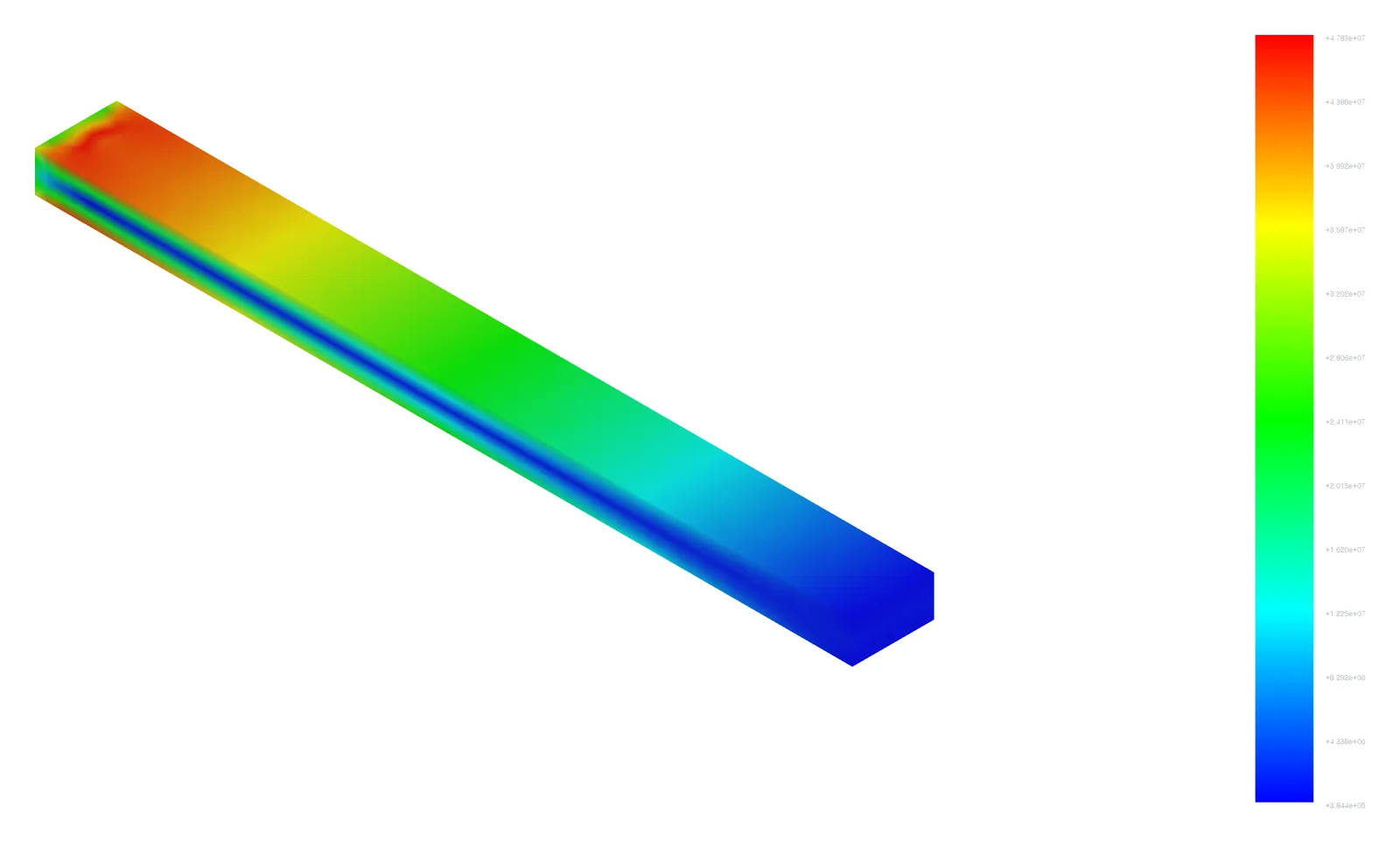
The legend is in Pa. Since 1 MPa = 1,000,000 Pa, read e+07 as «×10 MPa».
4. Look at displacement (optional)
Section titled “4. Look at displacement (optional)”Switch to displacement and give me the top 5 nodes.5. Get reinforcement candidates and pick
Section titled “5. Get reinforcement candidates and pick”Reinforcement candidates, numbered, targeting safety factor 2.What the AI does — measures the thickness at the hotspot by ray casting to offer «thicken», offers «fillet» if there is a concave corner nearby, «rib» if it is a deflection direction, «change material» from the table for options that meet the target, «reduce load» against the allowable stress, and «re-mesh and re-analyse» where it suspects a singularity — each with an expected safety factor and a confidence level. Nothing is applied automatically.
Number 1. Thickness 8, re-run with the same conditions.What the AI does — changes Beam’s thickness parameter (or the Pad length) to 8, rebuilds the analysis under the same name (deleting the old one) and runs it.
How to check — the safety factor rises to around 2 and the verdict changes to ok. The maximum displacement drops sharply too (inversely with the cube of the thickness).
6. When resonance is the worry: natural frequencies
Section titled “6. When resonance is the worry: natural frequencies”Same cantilever at thickness 5 in STEEL, natural frequency analysis. First mode in Hz and whether it's OK next to a 3,000 rpm motor.What the AI does — runs a frequency analysis with no load and reports Hz per mode. It compares the motor’s excitation frequency (3,000 rpm ÷ 60 = 50 Hz) against the first natural frequency.
How to check — a steel 100×10×5 cantilever (at the original thickness of 5) has a theoretical first natural frequency of 417.7 Hz, and the AI’s result should land within ±3 %. If you changed the thickness to 8 the value differs, so say “at thickness 5” explicitly.
Checking your result
Section titled “Checking your result”| Item | Success criterion |
|---|---|
| Setup | 1 fixed face and 1 load face, each 50 mm², second-order mesh |
| Static analysis (PETG, thickness 5) | Maximum vM 48 MPa ±10 %, displacement 32 mm ±5 %, hotspot at the fixed end, verdict fail or marginal |
| Reinforcement candidates | Thickness, material and load candidates appear. Lower the target to 0.5 and there are none |
| After reinforcement (thickness 8) | Safety factor ≥ 2, verdict ok |
| Natural frequency (STEEL, thickness 5) | First mode 417.7 Hz ±3 % |
When it doesn’t work
Section titled “When it doesn’t work”- It fails with «nonpositive jacobian» — the mesh is distorted. Say “set up again with a smaller mesh size”.
- Over 300,000 nodes — the solve takes a long time. Ask for a larger mesh size.
- The wrong face got fixed — you can tell from the fixed face area in the answer. Specify it again by coordinate: “fix the face near (0, 5, 2.5)”.
- You asked about buckling and it refused — buckling analysis is not supported (CalculiX was observed to stall, so it is excluded).
- You want to solve several parts together — give per-part materials: “A in STEEL and B in PETG, bonded, analyse them together”. Touching faces are solved fully bonded, with no bolts, contact or friction. Overlapping parts give an error and parts that do not actually touch give a warning, so check the geometry first.
- Analysis objects pile up in the tree — that is expected. Setting up again under the same name deletes and recreates them.
Going further
Section titled “Going further”- Apply self-weight only to the box cantilever from Exercise 8 and see where it is at risk.
- Take the clamp jaw from Exercise 4 (the rebuilt Body) in STEEL and apply pressure to the centre hole.
- Apply “500 N sideways on one Ø50 hole” to the square tube from Exercise 10 and look at the stress concentration around the hole.
- Assembly weight: ask for “total mass and centre of gravity with Pole in STEEL and Foundation at a concrete density of 2.4”.
What runs behind the scenes
Section titled “What runs behind the scenes”| Step | Tool |
|---|---|
| Material, constraints, load, mesh | setup_analysis (names, per-part material, analysis_type="frequency") |
| Running, summarising, colour map | run_analysis → get_screenshot |
| Top nodes and field switching | inspect_results |
| Reinforcement candidates | suggest_reinforcement |
| Applying the thickness change | build_features or execute_code |
| Assembly mass and tipping angle | get_mass_properties (names, densities, stability) |
The procedure in full: CLAUDE.md, the «구조 해석(FEM) 워크플로» section